
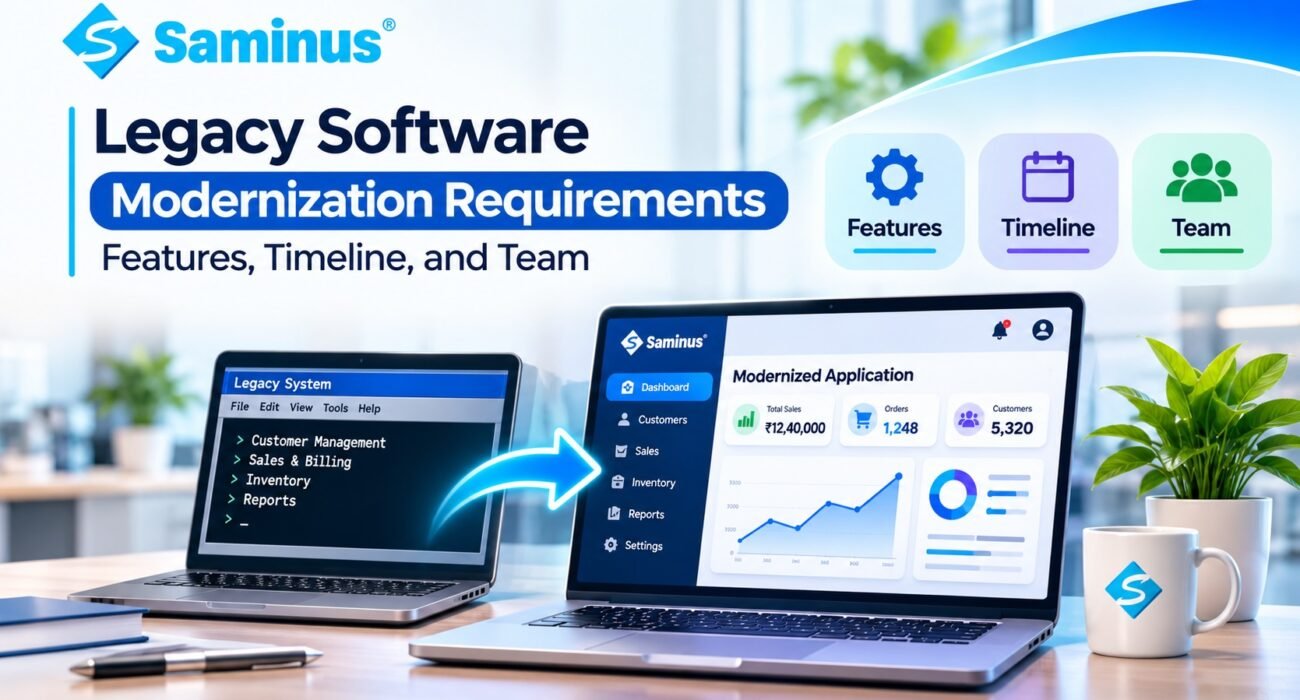
Many businesses still depend on legacy software to manage customers, employees, inventory, billing, and daily operations. However, outdated technology can create challenges with security, performance, scalability, and maintenance.
Legacy software modernization helps businesses upgrade existing applications, improve functionality, and prepare their systems for future growth without unnecessarily disrupting operations.
Let’s explore the key requirements, features, timeline, and team involved in this process.
What Is Legacy Software Modernization?
Legacy software modernization is the process of upgrading or redesigning outdated applications using modern technologies, improved architecture, and better development practices.
It may include:
- Updating outdated programming frameworks.
- Improving database performance.
- Redesigning the user interface.
- Integrating APIs and third-party services.
- Strengthening application security.
- Moving to modern hosting infrastructure.
The goal is to make existing software more reliable, maintainable, and scalable.
Key Requirements for Legacy Software Modernization
Before starting a modernization project, businesses should identify their technical and operational requirements.
1. Existing System Assessment
Review the current application, source code, database, modules, integrations, and technical limitations.
2. Functional Requirements
Identify which features should be retained, improved, or replaced, such as customer management, billing, inventory, reports, and user management.
3. Database Modernization
Improve database structure, optimize queries, remove duplicate records, and plan secure data migration.
4. Security Improvements
Implement role-based access, secure authentication, encryption, audit logs, and regular backups.
5. API and Integration Support
Ensure the modernized application can connect with payment gateways, CRM systems, accounting platforms, and other business tools.
6. UI/UX Improvements
Create responsive dashboards, simplified navigation, mobile-friendly screens, and user-friendly workflows.
Essential Features of Modernized Software
A modern application should focus on usability, performance, and business efficiency.
Important features include:
- Modern Dashboard: Real-time business insights and reports.
- Role-Based Access: Different permissions for employees and administrators.
- Workflow Automation: Automated approvals, reminders, and notifications.
- API Integrations: Connectivity with external business applications.
- Advanced Search: Faster record filtering and data access.
- Audit Logs: Tracking important user and system activities.
- Performance Monitoring: Identifying errors and performance issues.
- Scalable Infrastructure: Supporting future business growth.
Not every application requires every feature. Selection should depend on actual business needs.
Legacy Software Modernization Timeline
The project timeline depends on application complexity, database size, integrations, and development requirements.
| Project Phase | Estimated Timeline |
|---|---|
| System Assessment | 1–2 Weeks |
| Requirements & Planning | 1–2 Weeks |
| UI/UX Design | 1–3 Weeks |
| Development | 4–12+ Weeks |
| Data Migration | 1–4 Weeks |
| Testing & Deployment | 2–4 Weeks |
These are indicative planning ranges. Some activities can run in parallel, while complex enterprise applications may require several months or longer.
What Team Is Required?
A successful modernization project requires people with both technical and business understanding.
1. Project Manager: Manages project scope, milestones, communication, and delivery.
2. Business Analyst: Documents existing workflows and business requirements.
3. Solution Architect: Plans the application architecture and technology approach.
4. Backend Developer: Handles business logic, APIs, and server-side development.
5. Frontend Developer / UI/UX Designer: Builds modern interfaces and improves usability.
6. Database Specialist: Manages database optimization and data migration.
7. QA Engineer: Tests functionality, performance, and application reliability.
8. DevOps Engineer: Manages hosting, deployment, monitoring, and infrastructure.
Smaller projects may combine multiple responsibilities within a compact development team.
Common Mistakes to Avoid
Businesses should avoid these common modernization mistakes:
- Rebuilding without understanding existing workflows.
- Ignoring database dependencies.
- Choosing technology before defining requirements.
- Skipping security and performance testing.
- Changing too many modules at once.
- Failing to plan data backups and recovery.
A phased modernization approach helps reduce operational risks and makes it easier to validate improvements.
Choose Saminus for Software Modernization
Modernizing legacy software requires a clear strategy, the right technical expertise, and an understanding of business operations.
Saminus helps businesses develop and improve software solutions with a focus on maintainability, performance, integrations, and long-term scalability.
Whether you need to upgrade an existing application, improve database performance, introduce new features, or build a custom software solution, start with a clear modernization roadmap.
Saminus Private Limited
Website Development & Digital Technology Solutions
Mobile Number – 70159 68927
Email Address – info@saminus.com
Official Websit – Click Here