
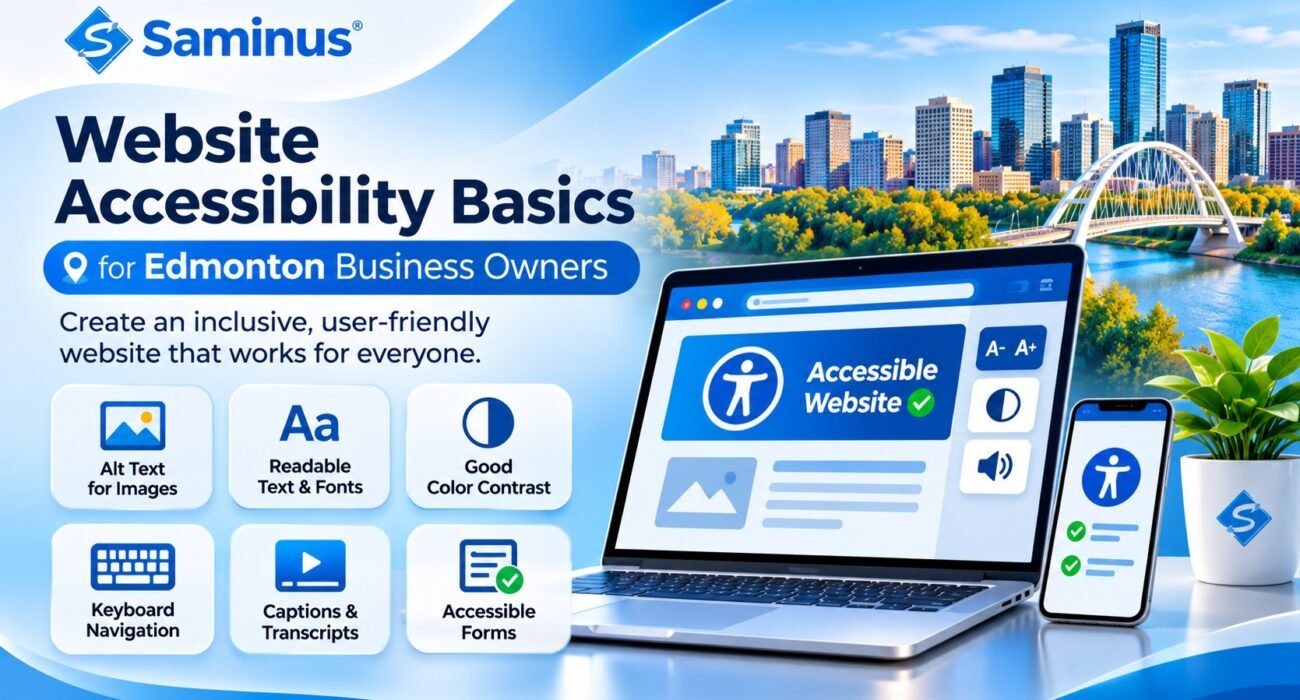
Website Accessibility Basics for Edmonton Business Owners
What Is Website Accessibility?
Website accessibility means designing and developing websites so people with different abilities can access, understand, navigate, and interact with online content.
It considers the needs of people with visual, hearing, motor, cognitive, and other disabilities.
For example, a visitor who cannot use a mouse should still be able to navigate your website using a keyboard. Someone using a screen reader should be able to understand images, headings, buttons, and forms.
An accessible website makes digital experiences more inclusive and usable.
Why Is Website Accessibility Important for Edmonton Businesses?
Your website may be the first point of contact between your business and a potential customer.
If visitors cannot read your content, understand your navigation, or complete an enquiry form, they may leave without finding the information they need.
Accessible website design helps businesses:
- Make services easier to access.
- Improve the browsing experience.
- Reach a wider audience.
- Support customers using assistive technologies.
- Create clearer website navigation.
- Strengthen professional credibility.
- Reduce unnecessary barriers in customer interactions.
Accessibility also supports better usability for people without disabilities, including mobile users and visitors browsing in challenging conditions.
8 Essential Website Accessibility Features
1. Add Descriptive Image Alt Text
Images should have meaningful alternative text when they communicate important information.
Alt text helps screen readers explain visual content to visitors who cannot see the image.
For decorative images that do not add meaningful information, use empty alt text so assistive technologies can skip them.
2. Use Clear Headings and Content Structure
Organize website content using properly structured headings.
Use one clear main page heading, followed by logical subheadings. Avoid choosing heading levels only because of their visual appearance.
A meaningful structure helps visitors understand the page and navigate sections more easily.
3. Provide Sufficient Colour Contrast
Text should be easy to distinguish from its background.
Low-contrast combinations can make content difficult to read, particularly for visitors with low vision or colour vision deficiencies.
For WCAG 2.2 Level AA, the general minimum contrast ratio is:
- 4.5:1 for normal text.
- 3:1 for large text.
4. Make Your Website Keyboard-Friendly
Not everyone uses a mouse to browse websites.
Visitors should be able to navigate important website elements using keyboard controls, including:
- Navigation menus.
- Links and buttons.
- Contact forms.
- Search fields.
- Dialog boxes.
- Shopping cart and checkout controls.
A visible keyboard focus indicator helps users understand which element is currently selected.
5. Create Accessible Contact Forms
Contact forms are essential for many business websites, but poorly designed forms can create unnecessary barriers.
Use clear labels, helpful instructions, and understandable error messages.
For example, instead of displaying only a red border around an incorrect field, explain what information needs to be corrected.
6. Use Readable Fonts and Text
Choose readable fonts, appropriate text sizes, and sufficient spacing.
Avoid placing important information inside images because screen readers may not be able to interpret it.
Allow users to enlarge text without losing important content or functionality.
7. Add Captions and Transcripts to Videos
Videos containing spoken information should provide captions so visitors who are deaf or hard of hearing can understand the content.
Transcripts can also help visitors who prefer reading or cannot play audio.
For prerecorded video with meaningful visual information, consider audio descriptions where appropriate.
8. Make Navigation Simple and Consistent
Keep menus, buttons, and important website elements consistent across pages.
Use descriptive link text instead of vague labels such as “Click Here” wherever possible.
Clear navigation helps visitors understand where they are and how to reach important information.
What Is WCAG and Why Should Businesses Know About It?
The Web Content Accessibility Guidelines (WCAG), developed by the World Wide Web Consortium (W3C), provide internationally recognized recommendations for making web content more accessible.
WCAG is based on four principles:
Perceivable: Information should be presented in ways users can perceive, such as text alternatives for meaningful images.
Operable: Website functionality should be usable through different input methods, including keyboards.
Understandable: Content, instructions, and navigation should be clear and predictable.
Robust: Website content should work reliably with browsers and assistive technologies.
WCAG 2.2 is a useful technical target for businesses planning accessible website improvements. Level AA is a common goal for accessibility projects.
Website Accessibility Considerations for Edmonton Businesses
Businesses in Edmonton should understand that accessibility obligations depend on the organization, industry, and applicable jurisdiction.
The Accessible Canada Act applies to federally regulated organizations, including certain businesses in industries such as banking, telecommunications, and transportation. Alberta businesses should also consider applicable human rights obligations and the needs of customers accessing their services.
Do not assume that every private business in Alberta has the same legal website requirements. Organizations operating across provinces or in federally regulated sectors should review the rules that apply to them and seek qualified legal advice where necessary.
Regardless of legal requirements, following recognized accessibility practices is a valuable way to improve digital inclusion.
How to Check Your Website Accessibility
Start with a practical review of your most important pages.
- Check whether you can navigate the website using only a keyboard.
- Review colour contrast between text and backgrounds.
- Confirm that meaningful images have appropriate alt text.
- Check heading order and page structure.
- Test contact forms and error messages.
- Verify that links and buttons have clear labels.
- Check text resizing and mobile usability.
- Test important pages with a screen reader.
- Review videos for captions and other appropriate alternatives.
Automated accessibility tools can identify some issues, but they cannot detect every accessibility barrier. Manual testing is also important.
Why Choose Saminus for Accessible Website Design?
At Saminus Private Limited, we believe professional website development should focus on more than appearance. A good website should be practical, easy to navigate, responsive, and designed around the needs of its users.
Our website design and development services include:
- Custom website design and development.
- Responsive website development.
- WordPress website design.
- Business and corporate websites.
- eCommerce website development.
- Website redesign and optimization.
- SEO-friendly website development.
- Website performance improvements.
We can help businesses review website usability and incorporate accessibility best practices into new or existing websites.
Make Your Business Website More Accessible
Website accessibility is an ongoing process, not a one-time design feature.
Small improvements to navigation, contrast, forms, images, and content structure can make a meaningful difference to the people using your website.
If your Edmonton business is planning a new website or improving an existing one, consider accessibility as part of the development process.
Connect with Saminus Private Limited
Website: https://saminus.com/
Phone: 7015968927