
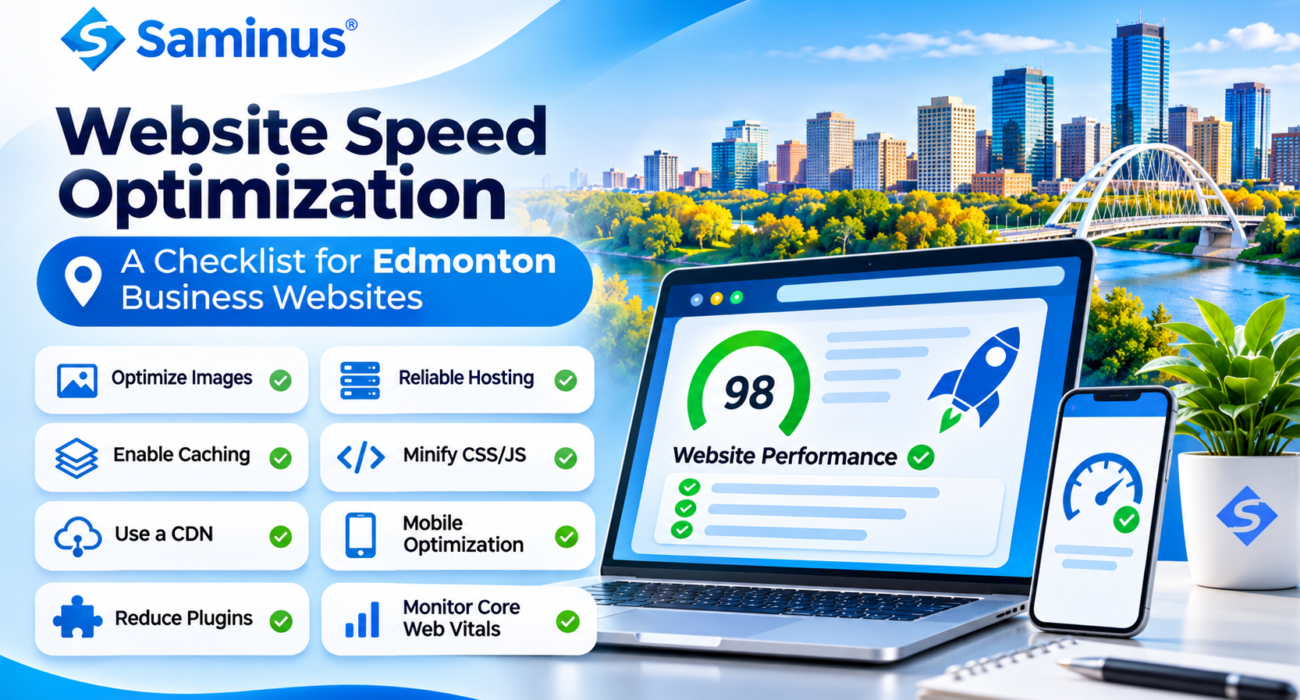
Website Speed Optimization: A Checklist for Edmonton Business Websites
Why Website Speed Matters for Edmonton Businesses
When a potential customer visits your website, every second matters. A slow-loading page can interrupt their experience, make navigation frustrating, and discourage them from contacting your business.
For Edmonton businesses competing online, website speed is an important part of delivering a professional digital experience.
A faster website helps visitors access information, browse services, explore products, and complete enquiries with less friction. It also supports your broader SEO and digital marketing efforts.
Understanding Google’s Core Web Vitals
Google uses Core Web Vitals to evaluate important aspects of real-world page experience.
The three key metrics are:
- Largest Contentful Paint (LCP): Measures how quickly the main content becomes visible. Good target: 2.5 seconds or less.
- Interaction to Next Paint (INP): Measures how quickly a page responds to user interactions. Good target: 200 milliseconds or less.
- Cumulative Layout Shift (CLS): Measures unexpected movement of page elements. Good target: 0.1 or less.
These metrics help website owners identify loading, responsiveness, and visual stability issues. Meeting the targets supports a better user experience, but does not guarantee higher Google rankings.
Website Speed Optimization Checklist
Use this checklist to identify common performance improvements for your business website.
1. Optimize Website Images
Large image files are a common reason websites load slowly.
Recommended practices:
- Convert images to WebP or AVIF where suitable.
- Resize images according to their display dimensions.
- Compress images without noticeably reducing quality.
- Use descriptive image filenames and alt text.
- Enable lazy loading for below-the-fold images.
- Avoid lazy loading the main above-the-fold image.
2. Choose Reliable Web Hosting
Your hosting environment affects how quickly your website responds to visitors.
Review your hosting setup for:
- Adequate server resources.
- Updated PHP or server software where applicable.
- Optimized database performance.
- Reliable uptime.
- Appropriate server location and network performance.
- Support for modern protocols and compression.
A hosting plan should match your website’s traffic, functionality, and resource requirements.
3. Enable Browser Caching
Browser caching allows returning visitors to reuse certain website resources instead of downloading everything again.
Configure suitable cache policies for:
- Images and icons.
- CSS stylesheets.
- JavaScript files.
- Fonts and other static resources.
Set cache expiration rules carefully, especially when website files are updated.
4. Minify CSS, JavaScript, and HTML
Unnecessary code and large assets can increase page loading time.
Consider:
- Removing unused CSS.
- Minifying CSS and JavaScript.
- Deferring non-critical JavaScript.
- Loading essential content first.
- Reducing unnecessary scripts and plugins.
Test changes after implementation because aggressive optimization can sometimes affect website functionality.
5. Use a Content Delivery Network (CDN)
A CDN distributes website resources through servers in different geographic locations.
For businesses serving customers across Edmonton, Alberta, and other regions, a CDN can help deliver static content efficiently and reduce network delays.
Choose a CDN based on your audience, hosting environment, and website requirements.
6. Improve Mobile Website Performance
A website may perform well on a desktop but struggle on smartphones.
Check that:
- Pages load efficiently on mobile networks.
- Images fit mobile screen sizes.
- Navigation is easy to use.
- Buttons respond quickly.
- Pop-ups do not interrupt browsing.
- Fonts remain readable.
- Forms work correctly on mobile devices.
Mobile optimization should be part of every website performance review.
7. Reduce Unnecessary Plugins and Third-Party Scripts
WordPress websites can become slower when too many plugins or external scripts are running.
Review plugins, analytics tools, chat widgets, advertising scripts, tracking pixels, and social media integrations.
Remove unused tools and load non-essential scripts only when needed. Keep essential functionality intact.
8. Optimize Database Performance
Websites using WordPress, WooCommerce, or custom database-driven systems can accumulate unnecessary data.
Useful maintenance activities include:
- Removing expired transients and unnecessary revisions where appropriate.
- Reviewing database tables.
- Optimizing expensive queries.
- Adding appropriate database indexes.
- Avoiding unnecessary repeated requests.
- Monitoring large tables and background processes.
Always take a backup before database cleanup or structural changes.
9. Optimize Fonts and Website Design Elements
Fonts, animations, sliders, and large visual components can affect page performance.
Use only the font weights and styles you need, consider modern font formats, and avoid excessive animations or heavy sliders.
Reserve space for images and other page elements to reduce unexpected layout movement.
10. Monitor Website Performance Regularly
Website optimization is an ongoing process.
Use these tools to measure and monitor performance:
- Google PageSpeed Insights – performance testing and recommendations.
- Google Search Console – real-user Core Web Vitals reporting.
- Lighthouse – technical performance diagnostics.
- Chrome DevTools – debugging loading and interaction issues.
Test important pages individually, including your homepage, service pages, contact page, and product pages.
Why Website Speed Optimization Is Important for Local SEO
For Edmonton businesses, website performance should support a broader local search strategy.
A technically sound website makes it easier for visitors to explore your services and contact your business. Combine performance improvements with useful location-specific content, clear service pages, accurate business information, and a well-maintained Google Business Profile.
Remember: website speed is one part of the overall search experience. Relevant content, business credibility, helpful information, and technical quality all matter.
Why Choose Saminus for Website Speed Optimization?
Saminus Private Limited helps businesses improve their digital presence through professional website design, development, and performance optimization.
Our approach focuses on identifying technical bottlenecks and improving the areas that matter most to your visitors.
Our website solutions include:
- Website speed and performance optimization.
- WordPress and WooCommerce optimization.
- Core Web Vitals improvement.
- Image and asset optimization.
- Website code and database optimization.
- Mobile responsiveness improvements.
- Technical SEO support.
- Website maintenance and support.
Whether you operate a local business in Edmonton or serve customers across Canada, Saminus can help you build a faster, more reliable website experience.
Give Your Business Website a Performance Upgrade
A fast website is not simply a technical achievement. It is part of the experience your business delivers to every visitor.
Review your website performance, identify the biggest bottlenecks, and prioritize improvements that make browsing easier for your customers.
Connect with Saminus Private Limited to discuss your website speed and performance requirements.
Website: https://saminus.com/
Phone: 7015968927